
Starting with version 1.1.0.31, you can create image libraries in Windows 11 Folder Color Changer. You can now use images from your image libraries as cover images or overlay icons.
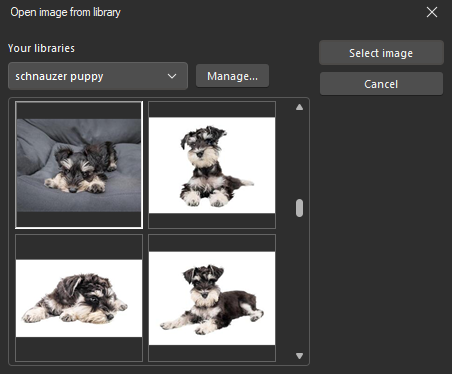
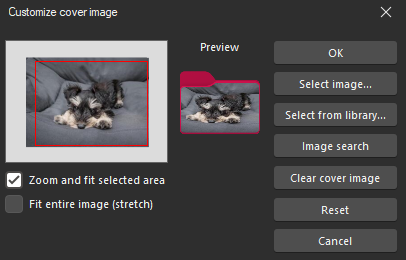
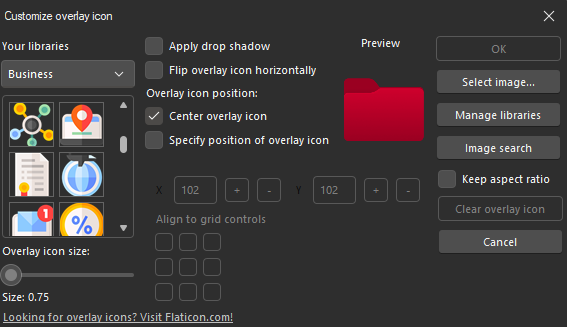
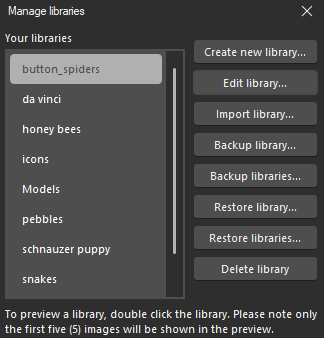
On the new “Manage libraries” window, you can create, edit, import, backup and restore libraries. You can create as many libraries as you want, and even add images from multiple folders into one library. Please note that this feature is resource intensive, so we recommend optimizing your images before saving them to libraries.
Amazing!! I’ve been waiting for a overlay gallery for so long, it is mildly annoying to manually select the same Icon Design Archive file every single time
We hope you’ll find it useful. Coming very soon, and it’s the first stepping stone to much more!