
Download
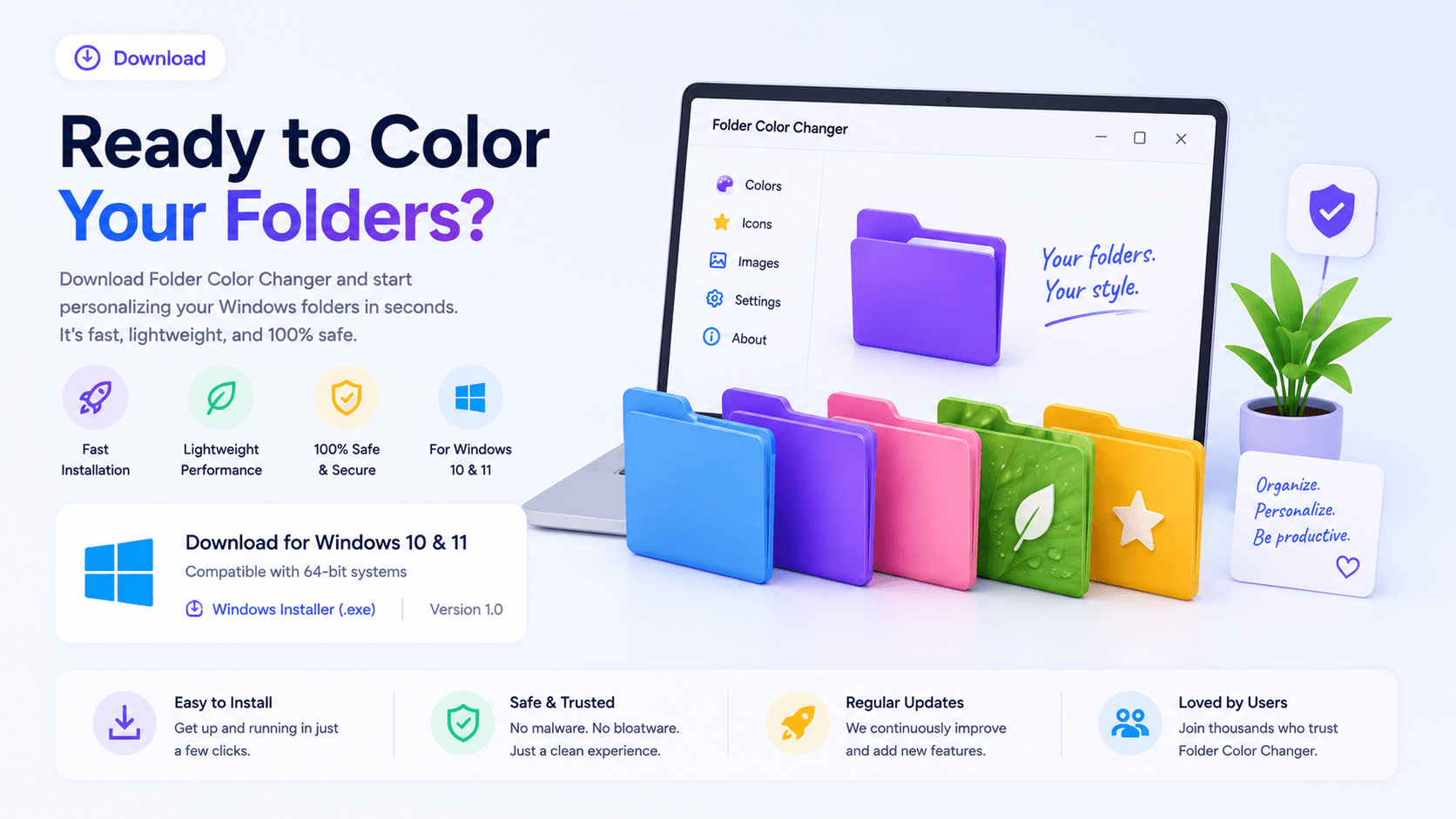
The latest version of Windows 11 Folder Color Changer is 1.1.0.32. Scroll down for the download link.
Starting with Version 1.1.0.30 :
- Parts of our app now require .NET 8.0 Runtime. You can download .NET 8.0 Runtime here. You need Windows 10 Version 1607 to install .NET 8.0 Runtime. However, we recommend Windows 10 Version 1903 or later, or, if your PC supports Windows 11, upgrading your PC.
- Because of processor optimizations, as of version 1.1.0.30 of Windows 11 Folder Color Changer, 32 bit Windows is regrettably no longer supported.Windows 11 Folder Color Changer requires Windows 10 x64 or Windows 11 x64. The app will not run on Windows 7 or 8 or x86 (32 bit Windows). (Windows 10 users, please note your folder icons will be Windows 11 style icons, so for consistency, we recommend changing all the icons within a single folder.)
Windows 11 Folder Color Changer requires internet access to validate your license every 30 days. Please ensure that you allow the app access through your firewall (if you block the app, the app will run as the Freeware version).
Be sure to read the End User License Agreement (EULA) before installing Windows 11 Folder Color Changer. The EULA governs the terms under which Windows 11 Folder Color Changer is made available to you.
Recommended system specifications:
The redesigned Windows Explorer already performs a lot slower than in earlier versions of Windows. Because Windows 11 Folder Color depends a great deal on Windows Explorer itself, and because we're forcing a Win32 app to adapt to light or dark mode as per your Windows settings, we recommend an i3 or faster processor and 8gigs of memory. The app will run on slower computers, but performance will be notably slower. As a rough indication: On a Pentium with 8gb of memory, the app will take between 8 and 12 seconds to launch under optimal conditions. On a Ryzen 7 with 64gb of memory, the app will take between 3 and 6 seconds to launch under optimal conditions. For more info, see Why do other apps run faster?
This app is not a light weight tool. It's important to decide if you can live with this. Expect performance similar to other more advanced apps such as Photoshop on your computer. We will not be able to refund you based on performance. TEST THE FREE VERSION FIRST BEFORE PURCHASING A LICENSE.
Paid for a product key?
You should receive your product key within a few minutes.
Depending on internet traffic & volumes, your license e-mail may be delayed.
Please reach out to our team should you not receive your product key in 24 hours.
CURRENT VERSION: 1.1.0.32 RELEASE DATE: 29 JUNE 2026
Works on Windows 10 & Windows 11
Supports network folders
Not tested on all Windows 11 Insider Builds. If you're a Windows Insider, use at your own risk.
Be sure to read the installation guidelines and other notes here.