Only premium users can save their icon designs. To save the design as a file on your computer, click the Save icon on the Controls tab. This will save the design to a compressed file called an “Icon Design Archive” (IDA file) in Windows 11 Folder Color Changer (you can open IDA files in most file compression utilities like WinZip, 7Zip, WinRAR and PowerArchiver to view its contents). To later open an IDA file, simply click the Open icon right below the Save icon.

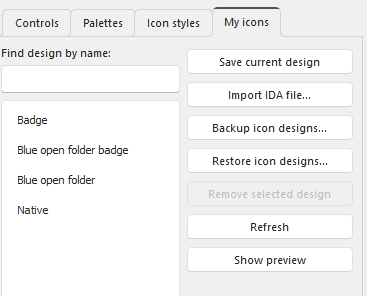
Starting with version 1.1.0.34, premium users can also save and select their most popular icon designs on the My icons tab.