
Starting with version 1.1.0.34, you can create palettes from existing images.
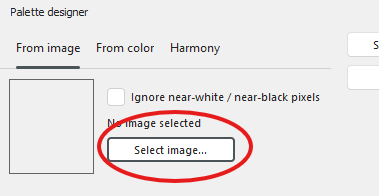
On the Palettes tab, click Palette designer. Next, click Select image.
Enter a name for your new palette and click Save and close.
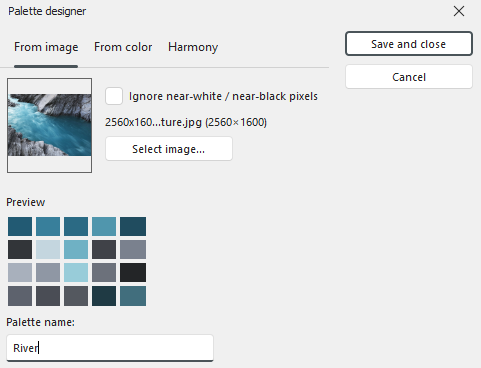
The palette will now appear in your palette list.

Tip: You can fine tune an individual color by long-clicking the applicable color tile. You can remove a color by right clicking a color tile.