
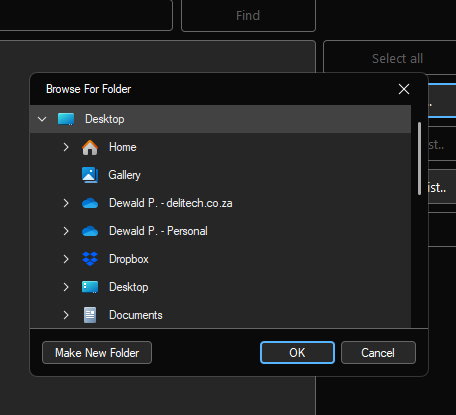
The folder browser and Open & Save dialogs now use the native dark mode in Windows 11. (In build 1272 we reverted to the default Windows Open & Save dialogs instead of custom dialogs to address a performance issue caused by the custom dialogs)
The app now utilises the native message box in Windows to improve performance.
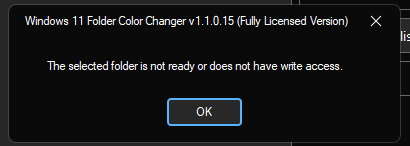
Please note: These interfaces in particular implement native Windows APIs, so there are some slight visual design differences. We also fixed an issue where, when opening a saved folder list, the folders are duplicated.
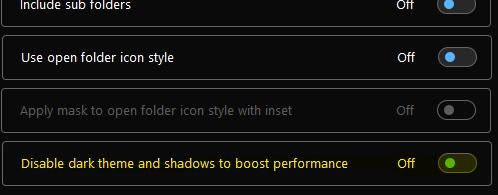
It is now possible to disable dark theme and shadows to boost performance. The app can perform up to 25% faster on slower computers (warning: the app will run in light mode; it’s very bright!)
We’re enabling the ability to save and load individual colors as we’re moving forward with custom color sets.
